


What WooCommerce User Dashboard Plugin Does?
Provide a personalized experience to your store users by adding new tabs and making most of the features accessible with Custom User Dashboard plugin for WooCommerce. It helps you simplify navigation and strengthen your brand identity, leading to a higher customer retention rate.
Top 3 Features of this Plugin
- Creates custom tabs and/or customize the default ones
- Groups multiple tabs to maximize usability
- Link tabs and/or restrict to specific user roles
$4.09 /month
Billed annually at $49.00
1 year of updates and support
What WooCommerce User Dashboard Plugin Does?
Provide a personalized experience to your store users by adding new tabs and making most of the features accessible with Custom User Dashboard plugin for WooCommerce. It helps you simplify navigation and strengthen your brand identity, leading to a higher customer retention rate.
Top 3 Features of this Plugin
- Creates custom tabs and/or customize the default ones
- Groups multiple tabs to maximize usability
- Link tabs and/or restrict to specific user roles
Feature of WooCommerce User Dashboard Plugin
- Custom & Default Tabs: The plugin allows creating new tabs while managing the default ones.
- Group Multiple Tabs: Combine various tabs to form groups of easily accessible data.
- Link Tabs: Connect a tab to another so that users can be redirected to a relevant tab.
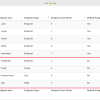
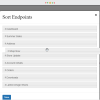
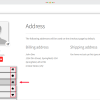
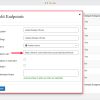
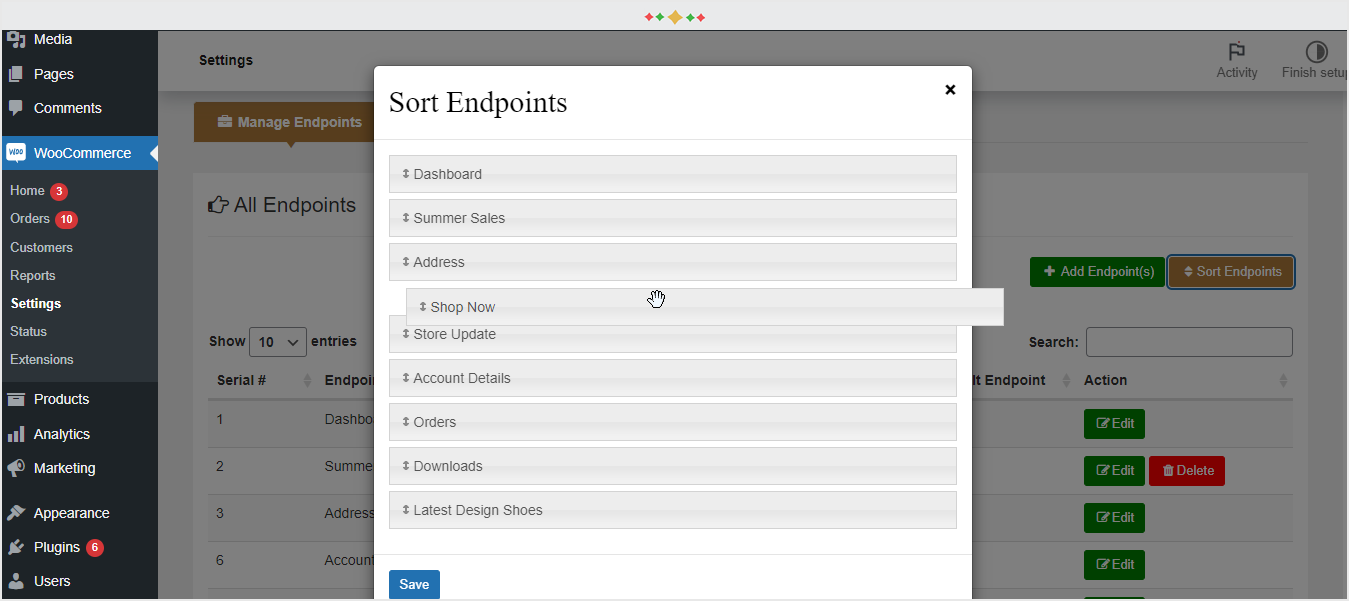
- Add & Sort Endpoints: With easy drag and drag action, you can manage endpoints.
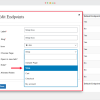
- Restrict Tabs by Users: Control the display of tabs by restricting them to specific user roles.
- Customize Default Tab: You can modify the default tabs by content, icon, and label.
- WYSIWYG Editor: Advanced editor allows adding and formatting content to tabs.
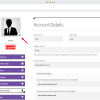
- Update Profile Image: You can allow customers to add a personal photo to their profiles.
- Add Icon to Tabs: Make every tab standout by adding a personalized icon to it.
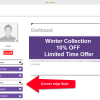
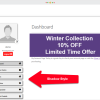
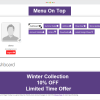
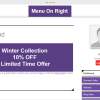
- Reposition the Menu: Set the dashboard menu to be horizontal, or left/right vertical.
- Blend Tabs in Colors: Use a bunch of customization settings to blend the tabs in colors.
- Enable Logout Button: You can add a Logout button and modify it for usability.
Feature Details of WooCommerce User Dashboard Plugin
Customize User Dashboard by Tabs and Endpoints
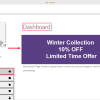
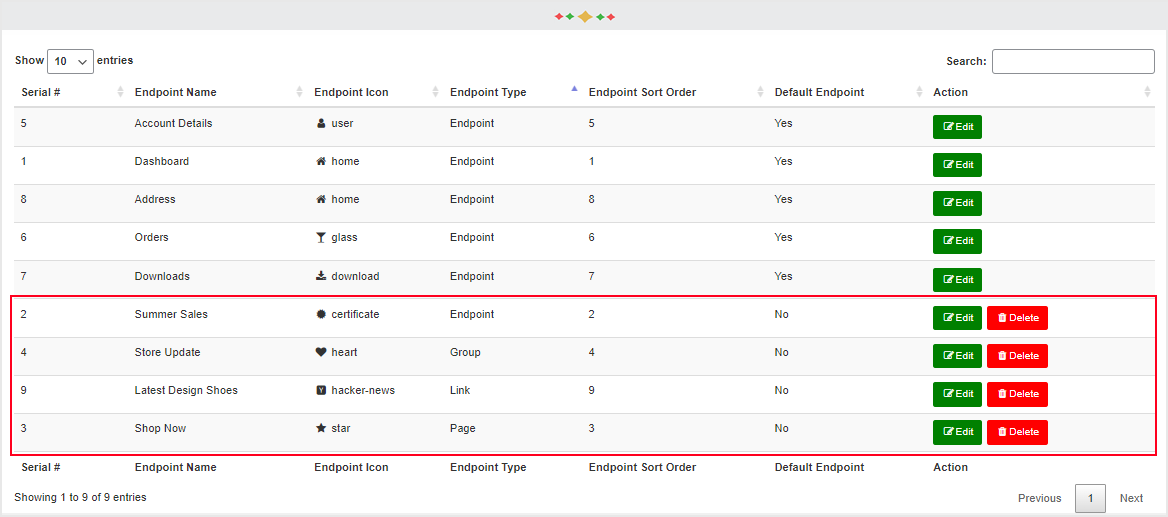
The WooCommerce User Dashboard plugin gives you the freedom to create as many tabs as you need to highlight more useful and relevant data sets. Being a store admin, you get the control to modify even the default tabs in the user dashboard.
Format Tabs with WYSIWYG Editor
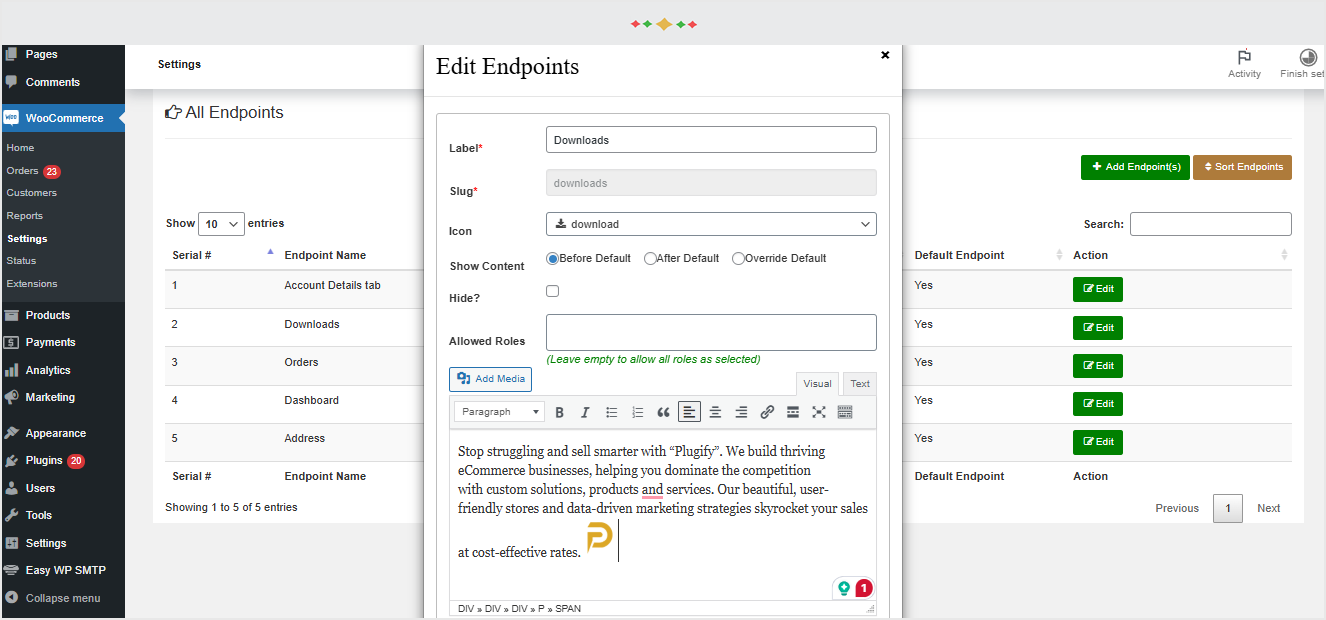
The plugin is equipped with an advanced WYSIWYG Editor to help you create content rich tabs for the users. It allows you to easily add text, images and links to portray what the tab is about in a better way.
Create Endpoint Groups for User Actions
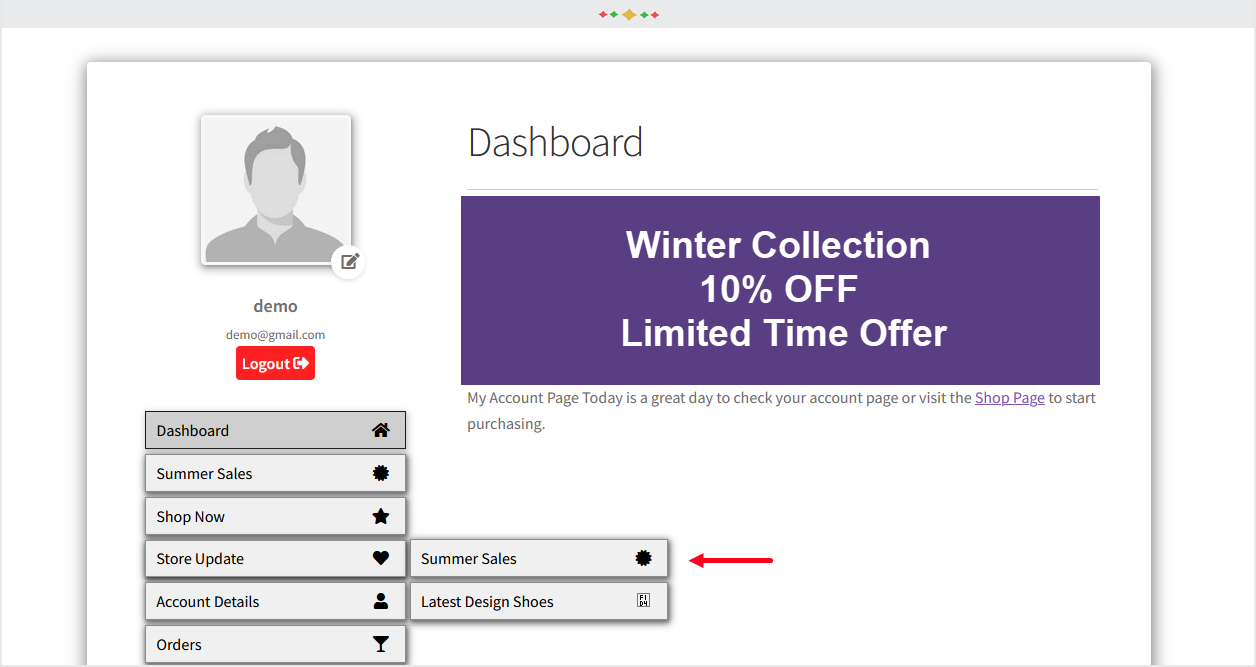
You can organize multiple endpoints in a tab to make multiple features accessible from a central location. It allows you to utilize the dashboard space for more options without messing up its display. Keep it clean and usable.
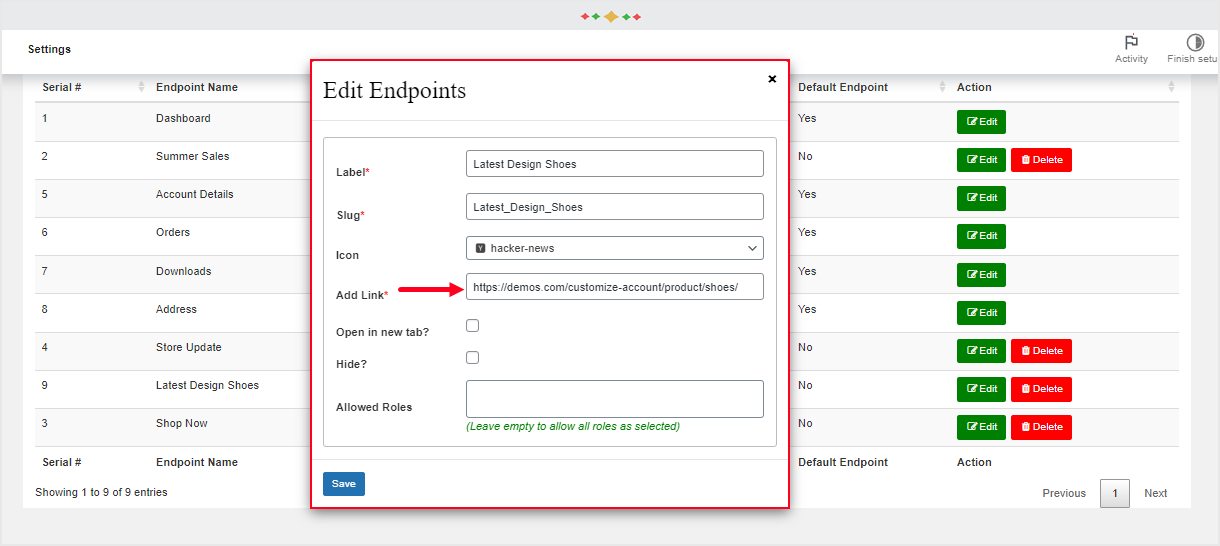
Add Store Pages Directly to Tabs
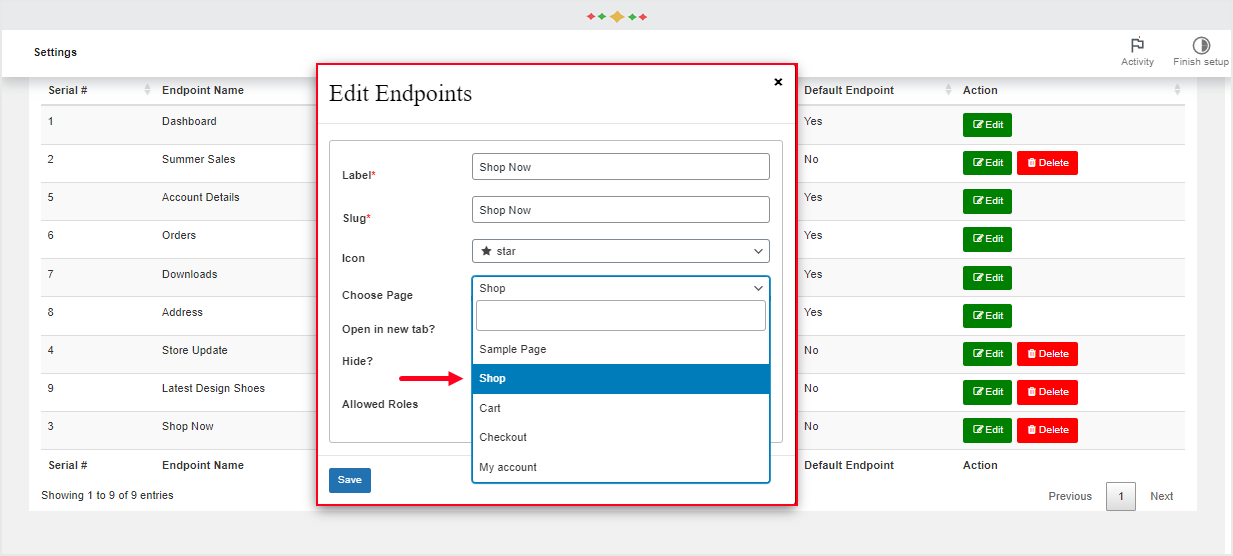
Use linking tab features to bring more pages of your store to the limelight. For example, you can take customers to Home, Shop, Contact or a Category page by linking it to the dashboard. It adds as a direct link.
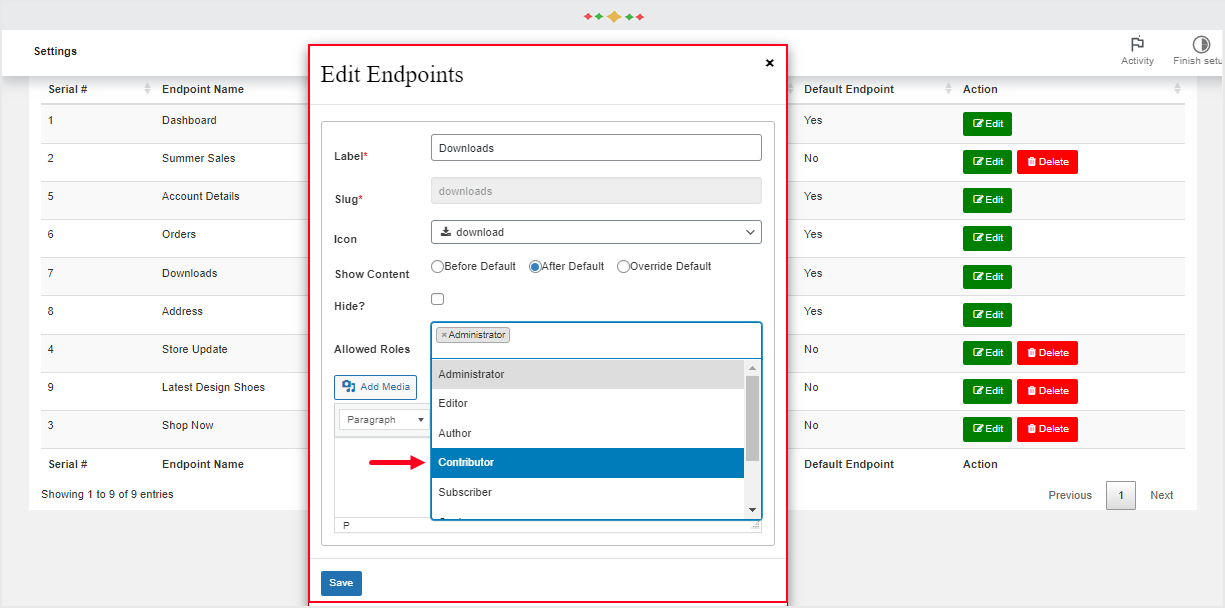
Control Tabs’ Display to Specific Users
Apply restrictions to the display of custom tabs based on user roles. This will stop the content-rich tabs to irrelevant audiences of your eCommerce store. As a result, you will enable only specific user groups to access and use the advanced tabs
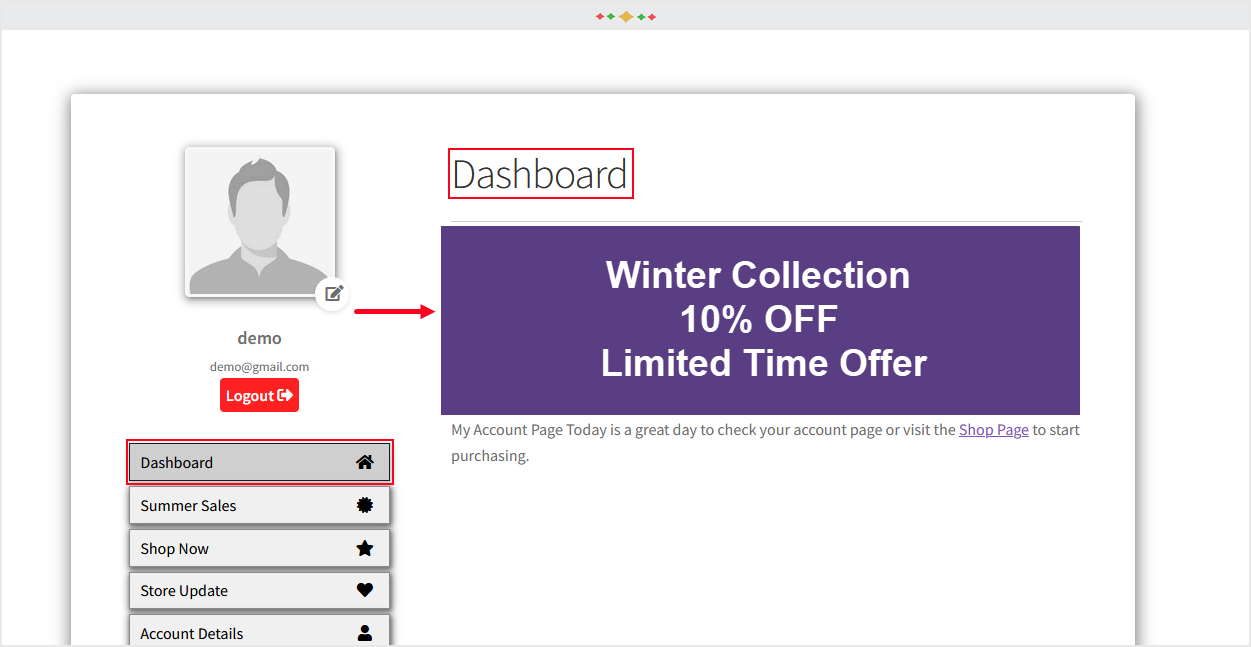
Personalize Default Tabs in User Accounts
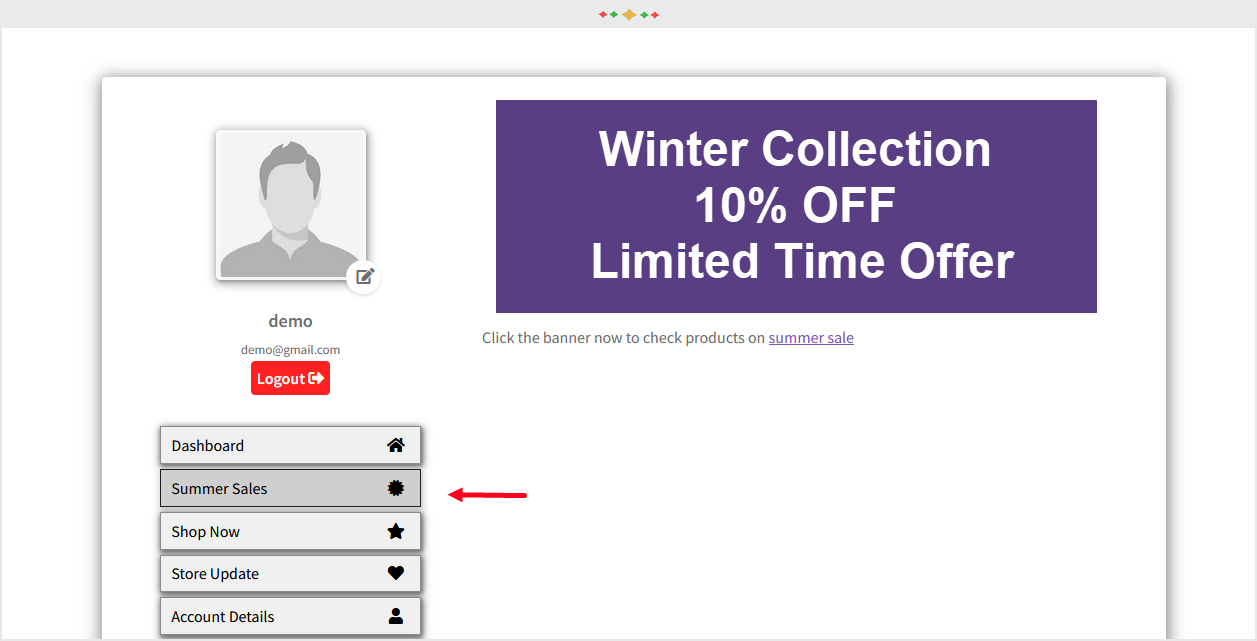
The User Dashboard plugin for WooCommerce enables you to even personalize the default tabs in user accounts. You can change the content, icons, and labels of the default tabs so that the entire design looks consistent.
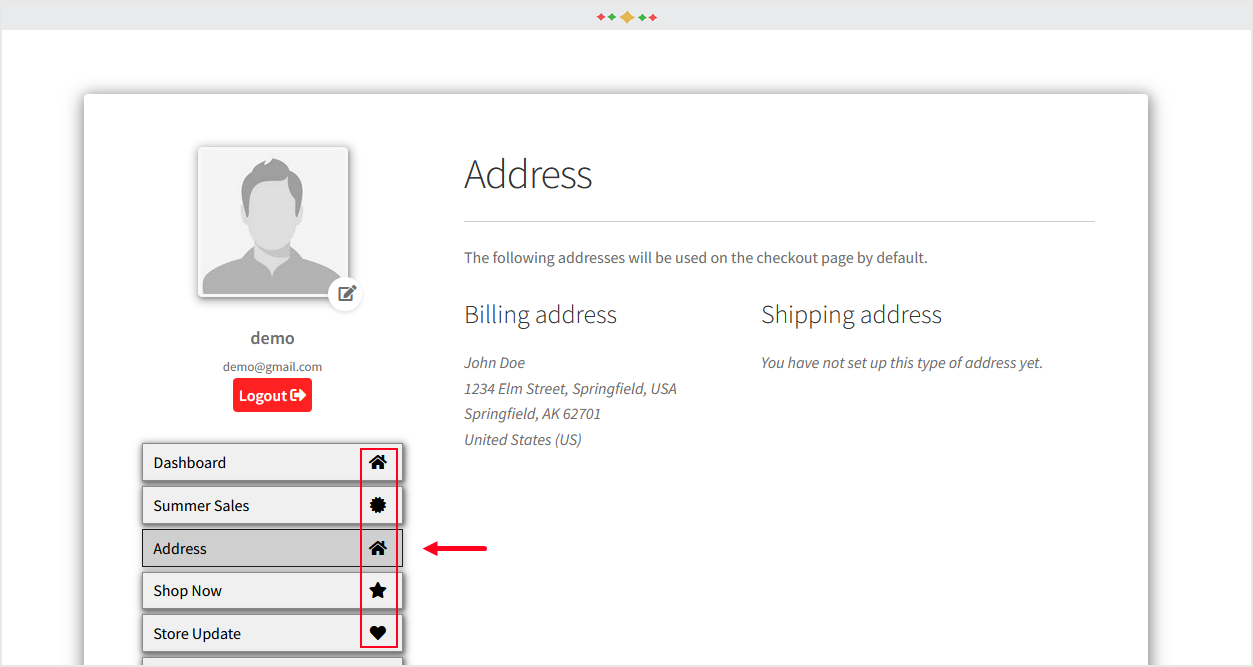
Custom Icons for Endpoints
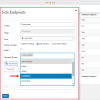
Make the endpoints stand out by adding custom icons to it. With a slight design change, you can make the options appealing and interactive. Each icon represents the type and purpose of the endpoint so a user understands it at a glance.
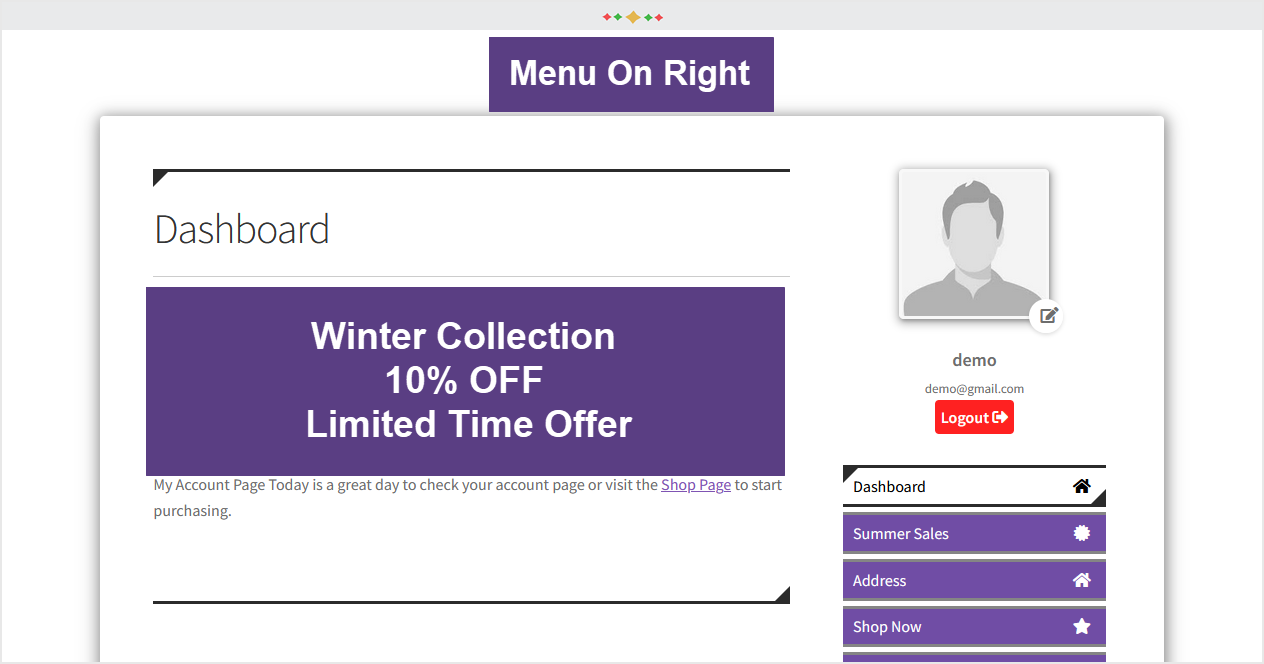
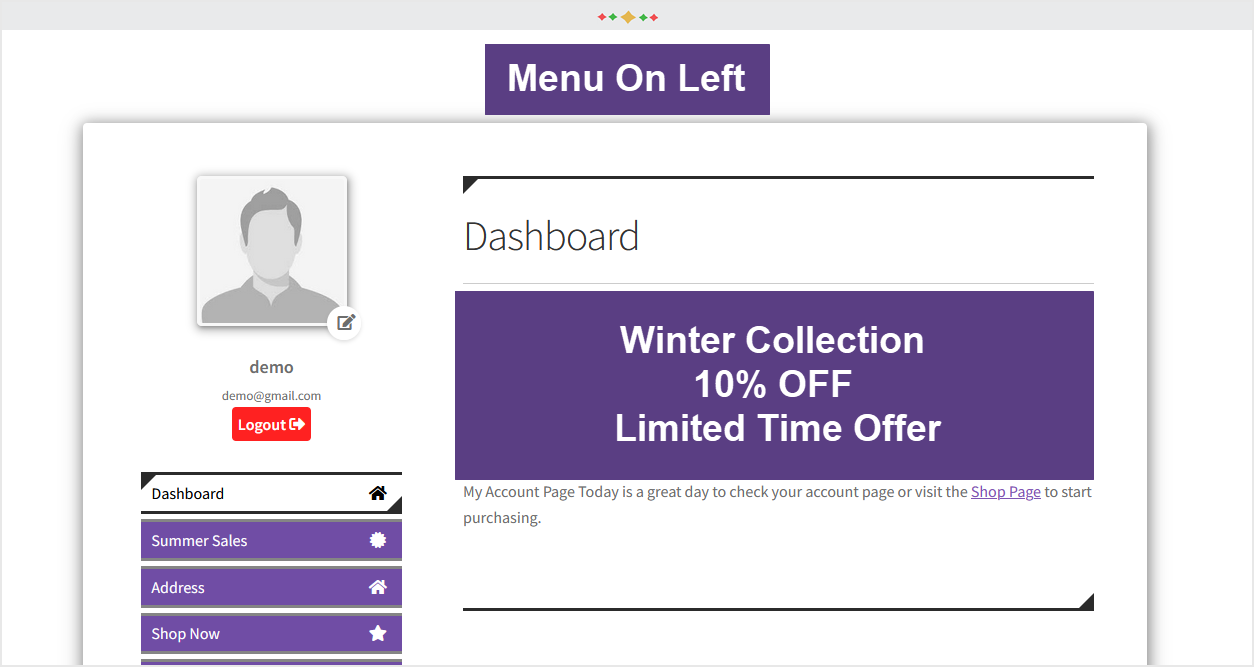
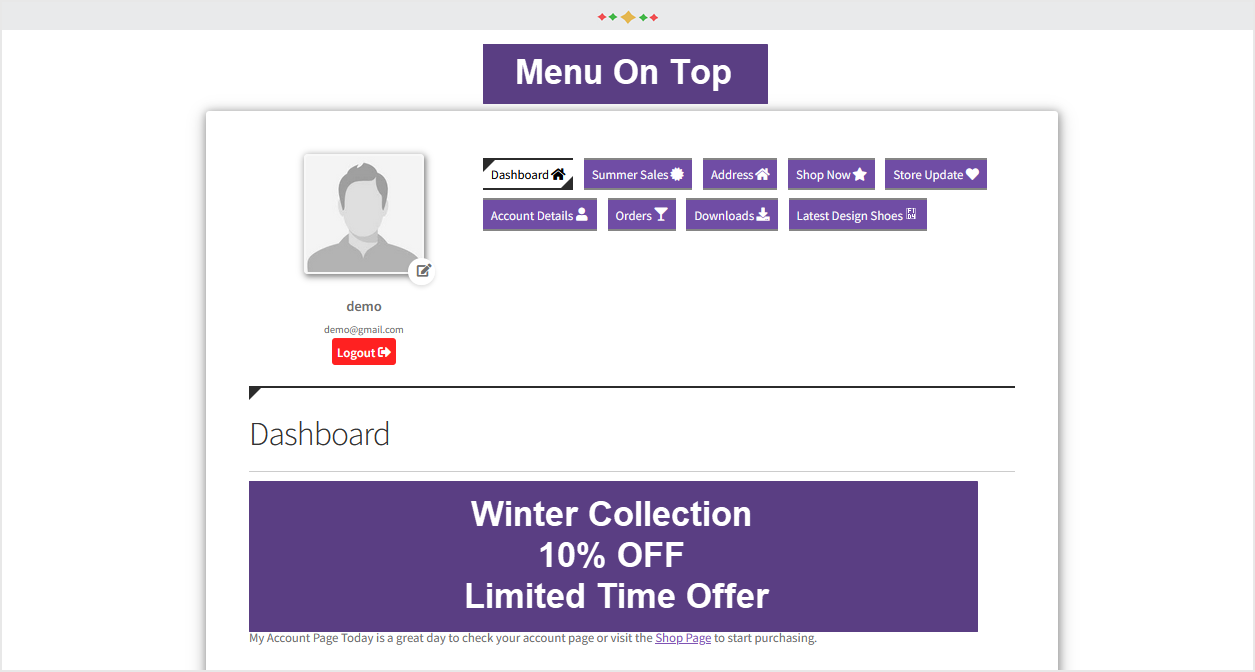
Change Menu Position
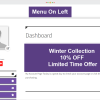
The plugin gives you freedom to display the menu in a variety of positions. It is up to you to show it either on the left, right, or top of the dashboard. Choose a position that seems to suit your users’ preferences.
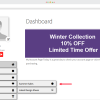
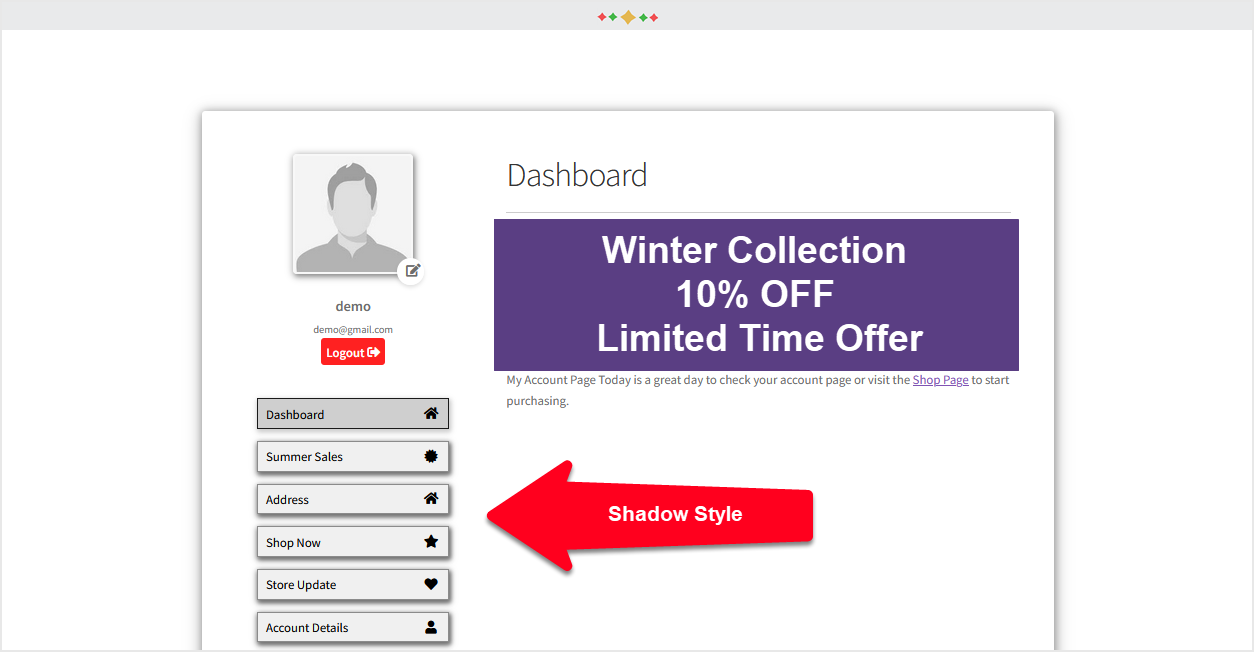
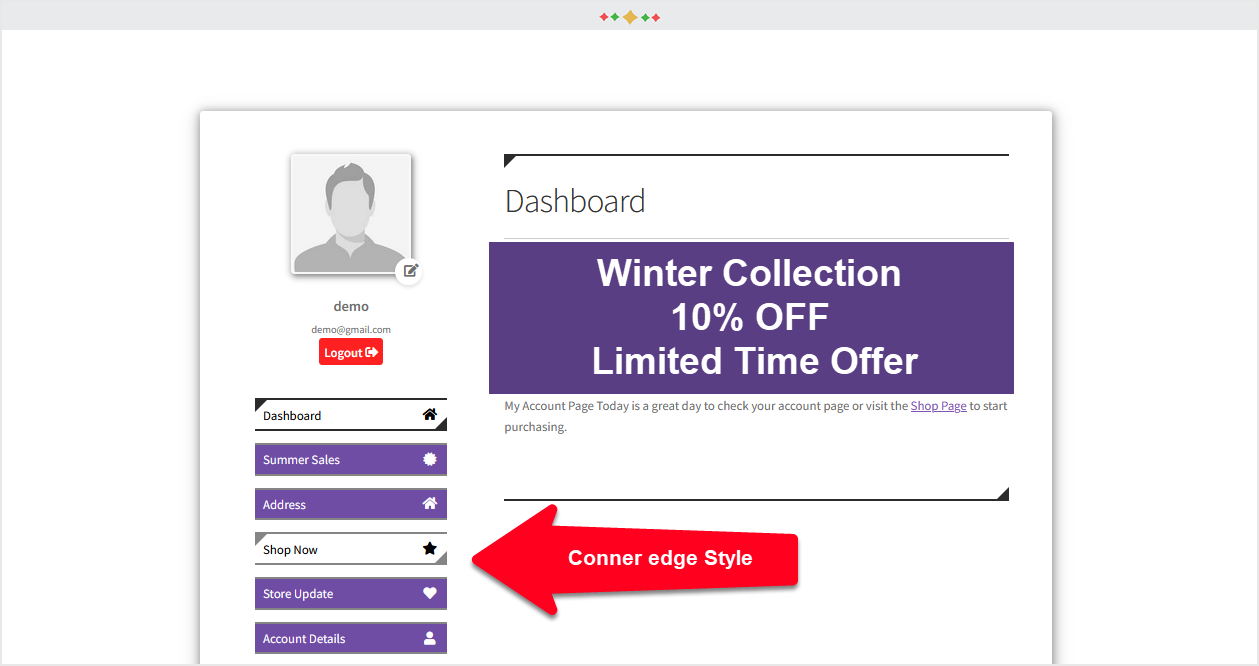
Choose Menu Style & Color
Select between different menu styles to customize it further with colors. Make it look attractive and usable. The options allow blending the menu in your brand colors to continue with the branding efforts.
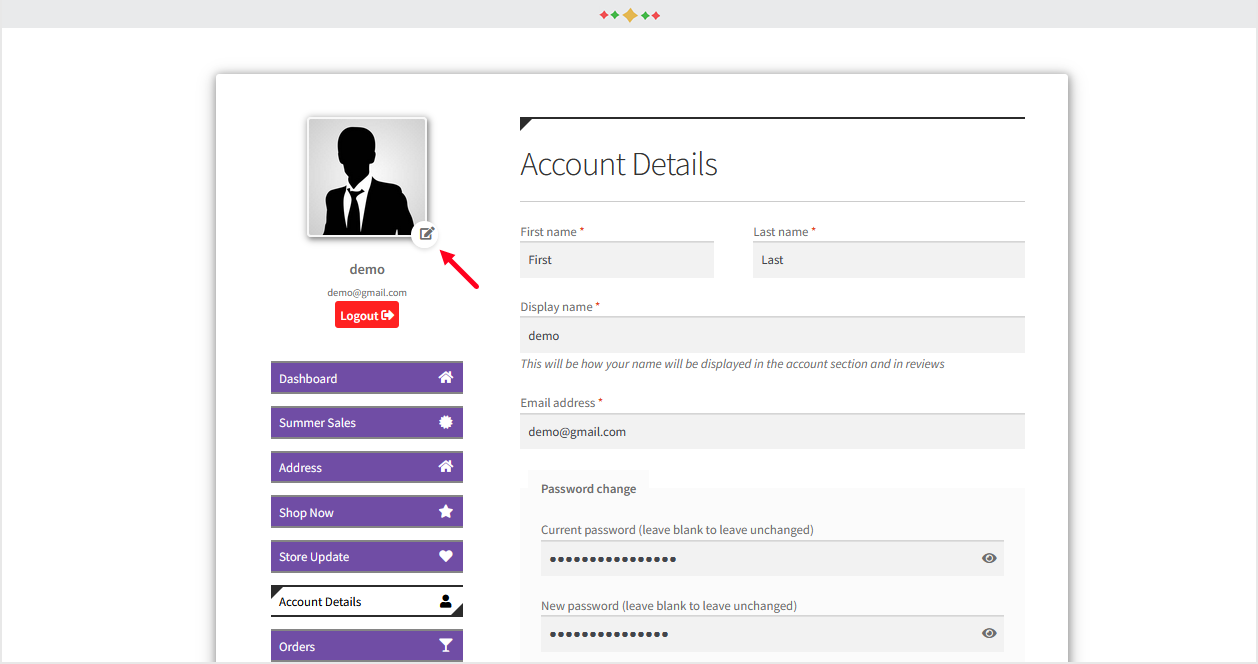
Users to Upload Avatar Upload
Engage your store users in updating their profiles by allowing them to upload an avatar as well. They will get a personal touch every time they login to your store.
Put Tabs in an Order
With sorting options, you can put the tabs in a usable order. Make the user dashboard more interactive by backing tabs’ order in an acceptable manner.
Product Video of WooCommerce User Dashboard Plugin
Technical Information
| Version | 2.0.7 |
| Changelog | View Changelog |
| Multisite Support | Yes |
| Languages | English |
| Translateable | Yes |
| Countries | Worldwide |
Version History
2026-03-05 - version 2.0.7
* Fixed edit modal popup background
* Tested with latest WC version (10.5.3)
2025-10-02 - version 2.0.6
* QIT Validation issue (removed woo key, added readme.txt file)
* Prevent popup being closed when clicking outside the popup
* Added option to enable disable custom user dashboard
2024-08-05 - version 2.0.5
* Fixed Space issue in slug while pasting
2024-06-28 - version 2.0.4
* Fixed QIT security Issues
2024-01-29 - version 2.0.3
* Declared Comaptibility with Blocks Cart/Checkout
2023-11-08 - version 2.0.2
* Fixed QIT issues
* Added settings option on plugin listing page
* Minor CSS issues resolved
2023-04-07 - version 2.0.1
* Make compatible with HPOS
* Resolved compatibility issue with thirdparty plugins endpoint
* Resolved grouped endpoints issue
2023-03-23 - version 2.0.0
* Resolved compatibility issue with thirdparty plugins endpoint
* Resoved minor bugs
2021-08-24 - version 1.0.3
* Modify Css
* Change uploaded user images path from plugin directory to uploads directory.
2021-07-13 - version 1.0.2
* Optimize sql queries
2021-06-17 - version 1.0.1
* Fix tab icons issue
2021-05-12 - version 1.0.0
* Initial Release
Customer Reviews
2 reviews for Woocommerce Custom My Account Page Plugin
Only logged in customers who have purchased this product may leave a review.
Related products
-

WooCommerce Bulk Discounts Plugin
Create multiple discount campaigns on your store with just a few clicks using the Bulk Discounts for WooCommerce plugin. Choose from quantity-based discounts or BOGO deals to create the most appealing deals for your target audience.
$4.92/month
Billed Annually at $59 -
WooCommerce Price by Formula Calculator Plugin
Calculating prices for products and services that are sold in varying measures is made easier with the Price by formula calculator plugin for WooCommerce. It takes measurements from the customers and sums up the total in real-time, based on the prices per unit you configure.
$6.59/month
Billed Annually at $79 -

Multi Store Manager for WooCommerce
Simplify multi store management by adding all of your store locations to a single WooCommerce site. It allows you to control pricing, stock levels, orders, and payment methods of different stores. With Google maps, customers are directed towards nearest stores.
$4.09/month
Billed Annually at $49 -

WooCommerce Make an Offer Plugin
Add a ‘Make an Offer’ button to help customers initiate sales and avail discounts by bidding a price of their choice on a desired quantity of product. With WooCommerce Make an Offer plugin, you can enable such a facility feature on selected products, categories or the entire shop.
$4.92/month
Billed Annually at $59
emilyparker (verified owner)
This plugin made it so easy to create a professional and user-friendly account page for my customers. The drag-and-drop feature is intuitive, and I loved how quickly I could personalize the layout. My customers have mentioned how much they appreciate the new design. Highly recommended for WooCommerce store owners!
sophiamitchell (verified owner)
The plugin is very useful for enhancing the My Account page experience. It’s simple to use and offers great flexibility. I did face a minor styling issue with my theme, but their support team was helpful in resolving it. Adding a few more pre-built templates would be a welcome addition. Overall, a fantastic plugin!